Since Flowmo creates websites, from time to time you will import or use a pre-made template and the fonts will be missing, this is becuase unlinke regular design platforms, Flowmo uses web-fonts, it requires the font to be accessible to any user visiting the website, for that you can use Flowmo’s library (including Google Fonts) or import your own.
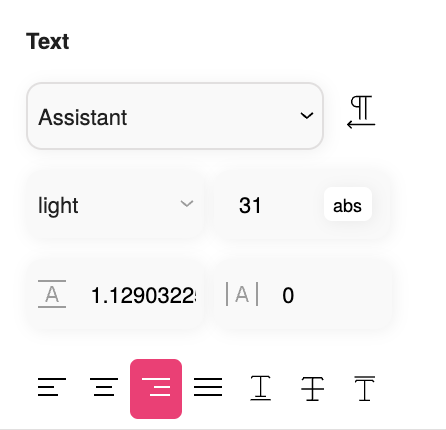
If your design is missing a font, you can select the layer with the missing font and look at the font family name, then look for it inside your font library in your computer or online.
* Please note, usually web-fonts require a different license than desktop-fonts, make sure you are using the right license.
Install Fonts in Flowmo: #
- Open your Flowmo project.
- Navigate to Settings > Web Fonts.
- Click the “+” button to upload your font file.
- Flowmo will auto-populate the font name and usually the font weight, if not, fill it.
- Click “Add Font”.
- Repeat for all required fonts.
Important: If the font weight is included in the font family name, remove it and select the correct weight from the “Weights” menu in Flowmo.


