Our journey begins in the Flowmo dashboard. Here, you can manage your projects.
The design environment in Flowmo is intuitive and familiar, resembling standard design software, which helps you navigate confidently. Here, you can manage files, save, export, and adjust your workspace settings.
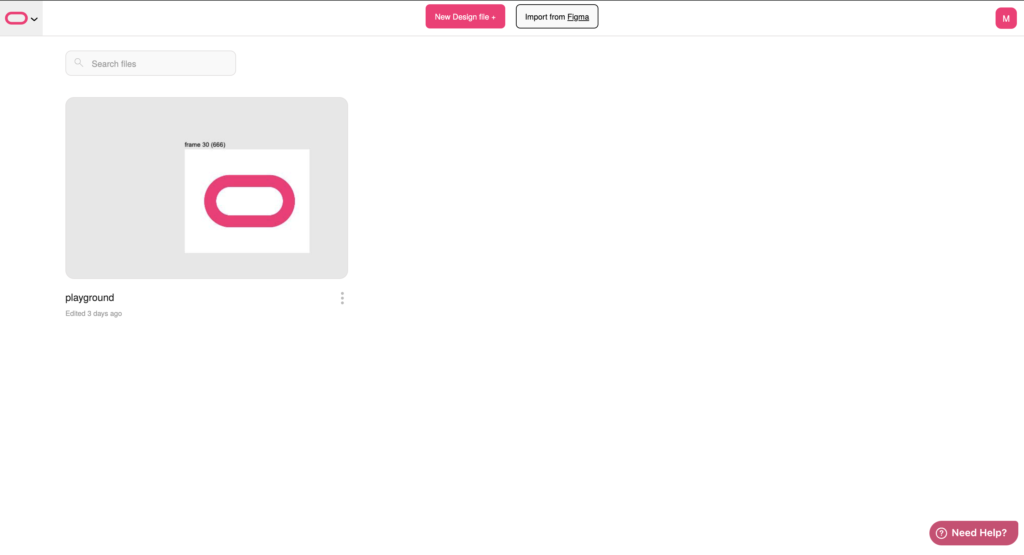
On the right hand side you can start a new project, import files or toggle settings like dark mode.

On the left hand side you have your user management
In the center you will see all of your projects that have been worked on in flowmo. You can also use the search bar to filter out and find your project you are looking for.
Selecting to import a file you can import a design file created in Figma and continue to edit and animate it preparing it for production in minutes! We will guide you more on that in an upcoming tutorial.
Ready to start a new project? Simply click on create a new file and name it to begin.


